Lenovo Yoga 7 2-in-1 14IML9
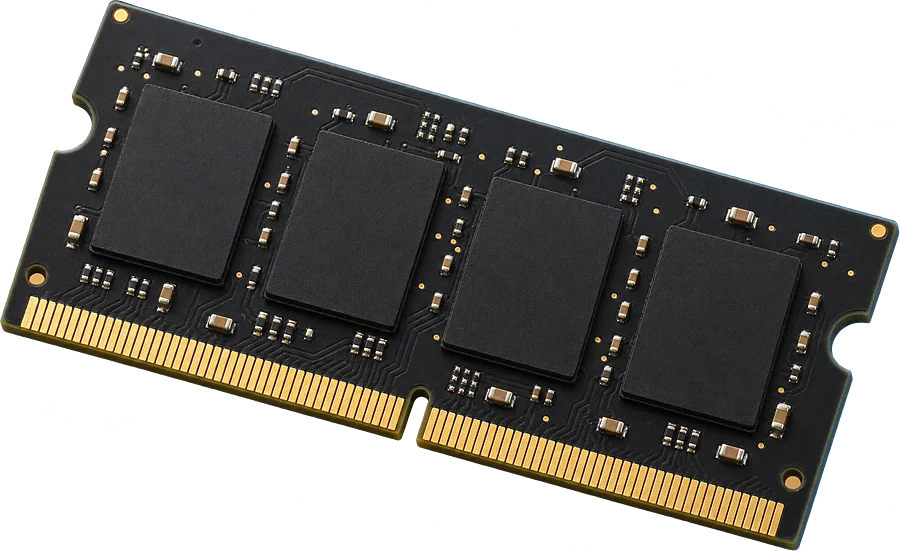
No. The memory is soldered to the board.
16 or 32 GB is built in and there is no slot to add more.
- Free slots
- None
- Type
- LPDDR5-7467
- Soldered
- 16 GB or 32 GB, depending on the configuration
- Firmware says
- 32 GB maximum
- How sure
- 5 of 5 reports show this layout
Worked out from 5 hardware reports of this laptop. Sources and method. Updated 9 Nov 2026.
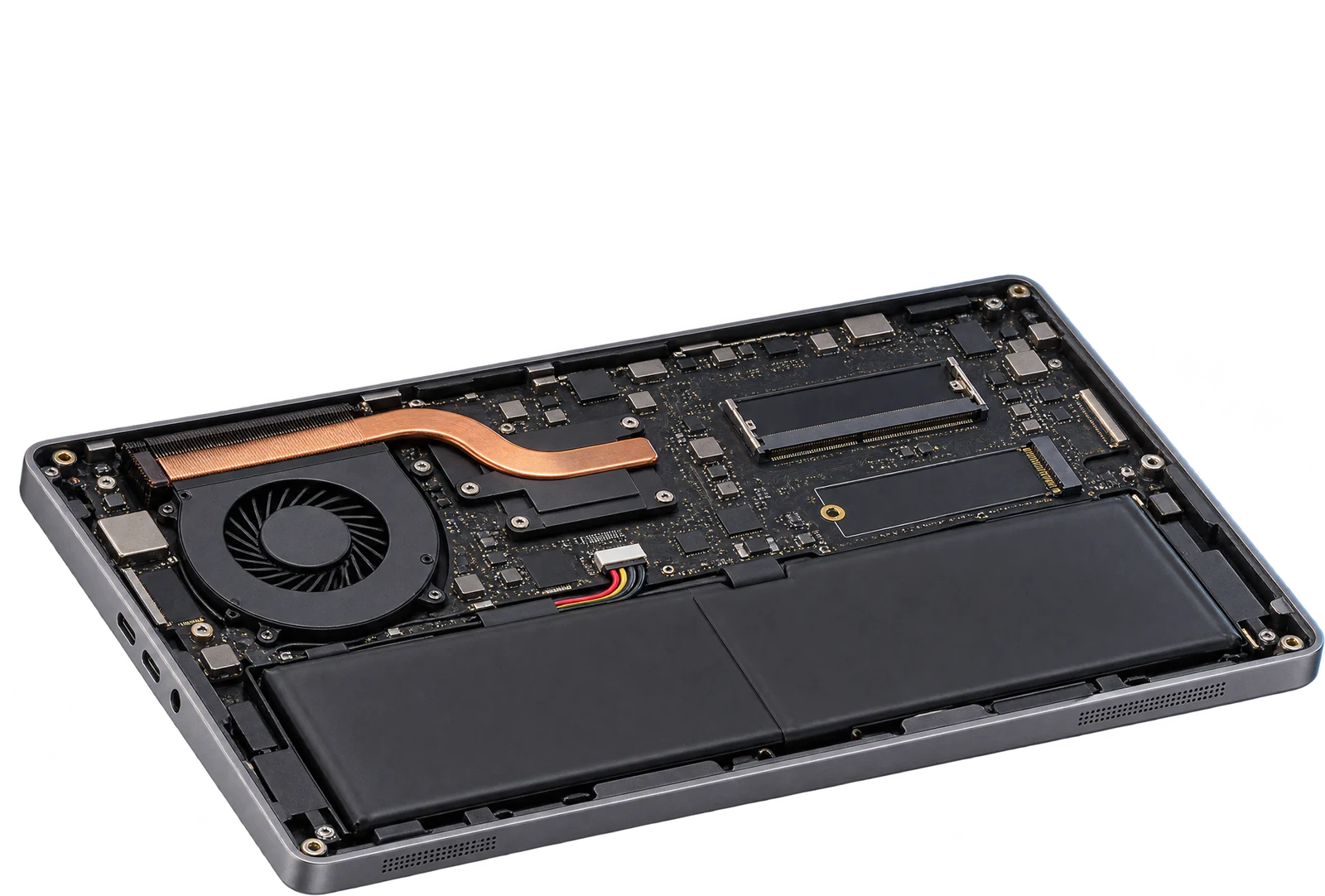
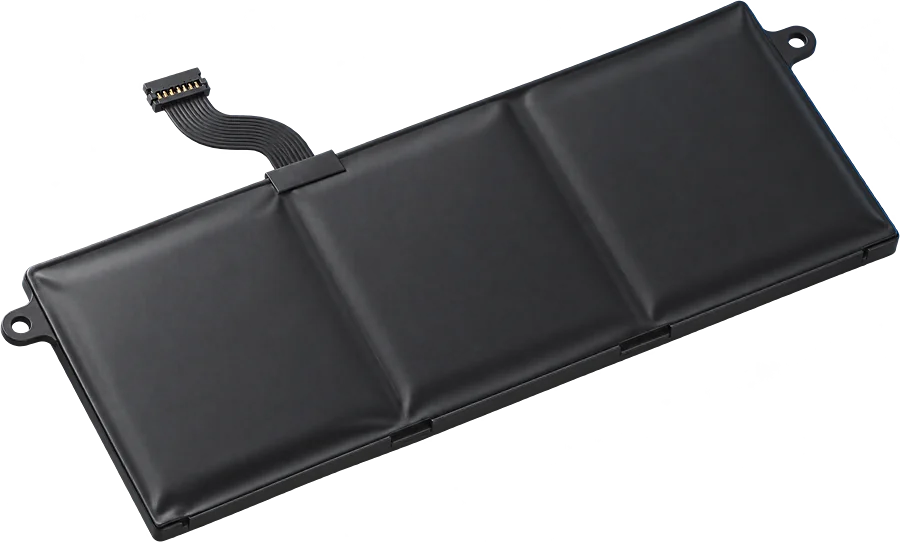
Batteries in these laptops report 71 Wh.
That is the design capacity the batteries themselves report, and the label can read 1 to 3 Wh higher. Other pack sizes may have shipped, so check the capacity printed on yours before you order.
From 5 battery readings. Sources and method. Updated 9 Nov 2026.
IllustrationQuestions
Can I upgrade the RAM in the Lenovo Yoga 7 2-in-1 14IML9?
No. The memory is soldered to the board. 16 or 32 GB is built in and there is no slot to add more.
What type of RAM does the Lenovo Yoga 7 2-in-1 14IML9 use?
LPDDR5-7467 memory soldered to the board.
How much RAM can the Lenovo Yoga 7 2-in-1 14IML9 take?
Machines in the reports run up to 32 GB. That matches the 32 GB maximum the firmware reports.
What battery does the Lenovo Yoga 7 2-in-1 14IML9 use?
Batteries in these laptops report 71 Wh, going by 5 reports. Other pack sizes may have shipped, so check the capacity printed on yours.
Is this my laptop?
Check the label on the bottom. It should say Yoga 7 2-in-1 14IML9, and the type code starts with 83DJ.