Gigabyte A7 K1
Laptop, from 2021 3 hardware reports
Memory
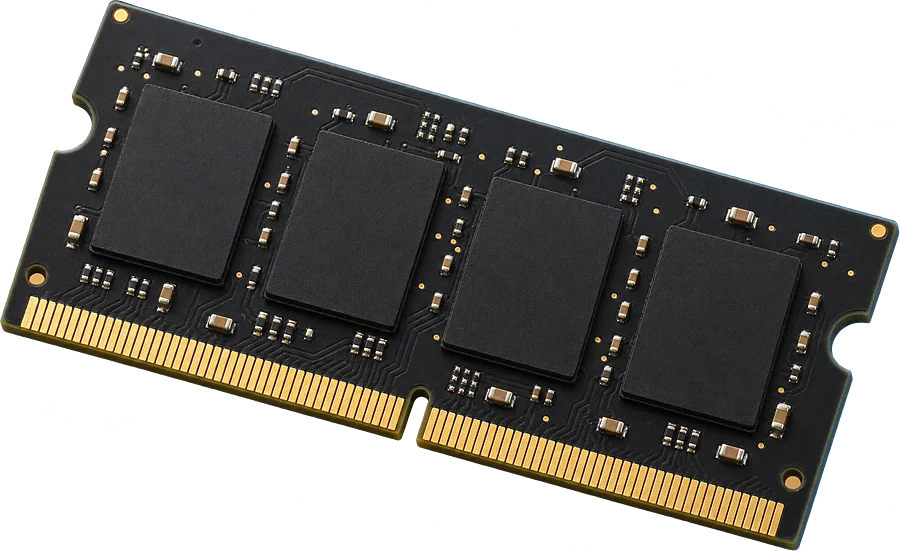
Up to 16 GB
2 laptop-size slots
SSD
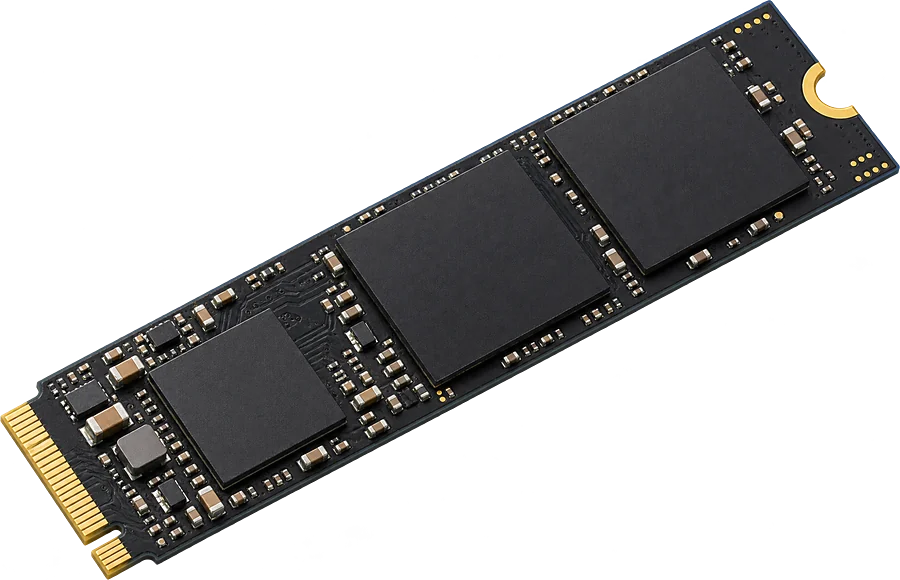
2+ M.2
At least 2 M.2 SSD slots
SSD length and charger
Coming next
Checked from separate sources
Upgradable
Yes. 2 slots, up to 16 GB seen working.
It takes DDR4-3200 laptop-size sticks (SO-DIMM).
- Slots
- 2 SO-DIMM slots
- Type
- DDR4-3200 260-pin SO-DIMM
- Most seen working
- 16 GB in two or more machines; one machine runs 64 GB
- Firmware says
- 64 GB maximum (often wrong, so we show what machines run)
- SSD slots
- At least 2 M.2 SSD slots listed by the firmware
- How sure
- 3 of 3 reports show this layout
See 8 GB DDR4-3200 SO-DIMM on AmazonOpens an Amazon search for this exact spec.
Worked out from 3 hardware reports of this laptop. Sources and method. Updated 9 Nov 2026.
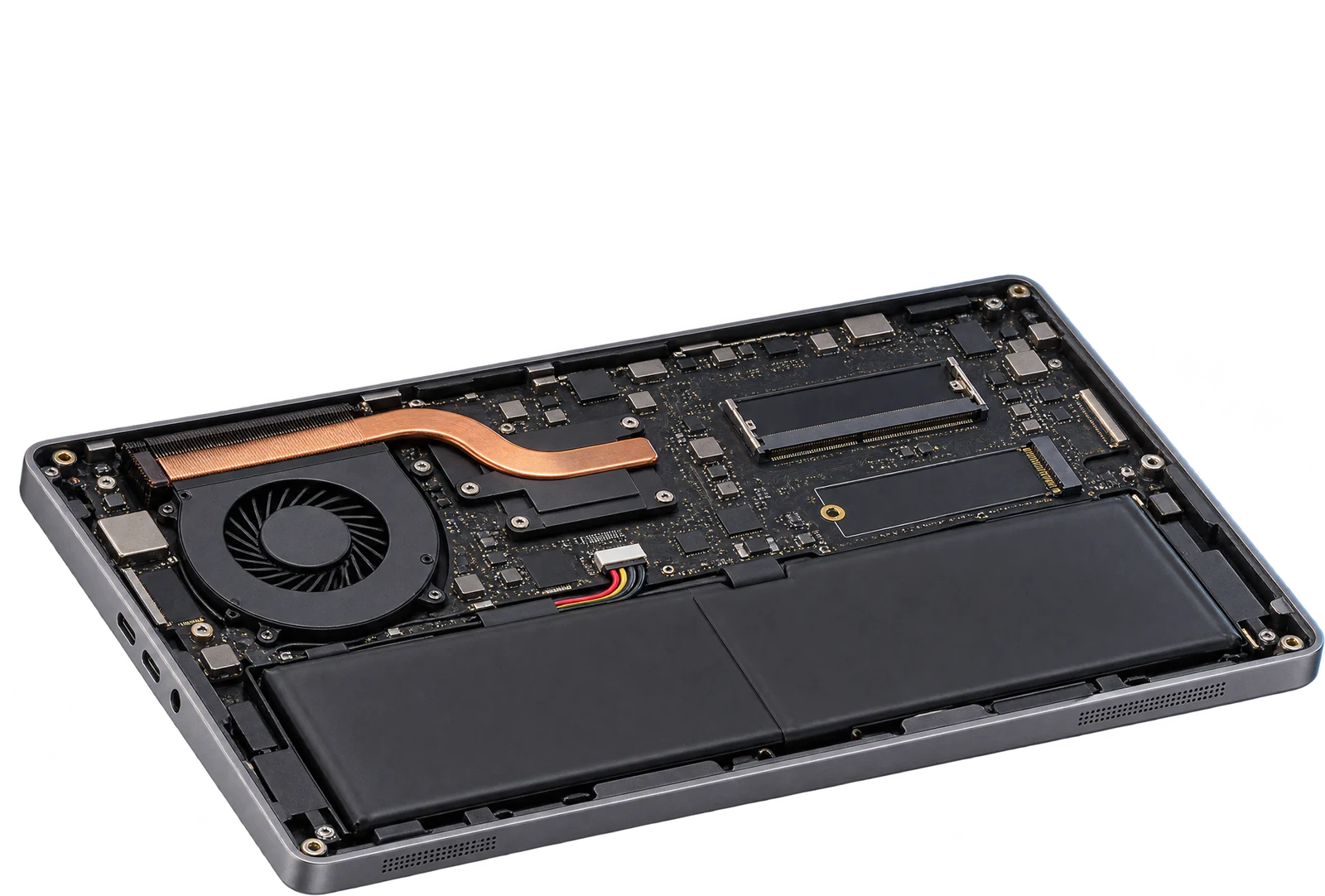
2 laptop-size slots
Illustration Questions
Can I upgrade the RAM in the Gigabyte A7 K1?
Yes. 2 slots, up to 16 GB seen working. It takes DDR4-3200 laptop-size sticks (SO-DIMM).
What type of RAM does the Gigabyte A7 K1 use?
DDR4-3200 laptop-size sticks (SO-DIMM, 260-pin).
How much RAM can the Gigabyte A7 K1 take?
Machines in the reports run up to 16 GB, and one runs 64 GB. The firmware reports a maximum of 64 GB, a figure that is often wrong.
Does the Gigabyte A7 K1 have an M.2 SSD slot?
Yes. The firmware lists at least 2 M.2 SSD slots, in 3 reports. Some firmware leaves a slot out, so there may be more.
Is this my laptop?
Check the model name on the label underneath. It should read A7 K1.