Fujitsu LIFEBOOK A544
Only one machine has reported its memory so far, so this answer rests on a single example. Check the label or open the panel before you buy.
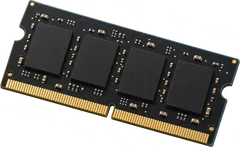
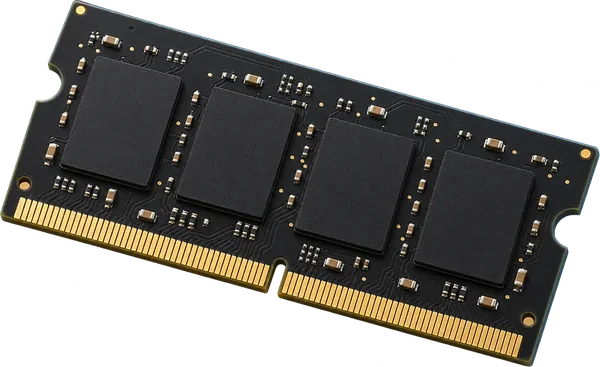
Yes. At least 2 slots, up to 16 GB seen working.
It takes DDR3-1600 laptop-size sticks (SO-DIMM).
- Slots
- At least 2 SO-DIMM slots
- Firmware lists
- 4 sockets, but no machine in the reports had more than 2 filled. Many laptops list sockets that aren't there, and some workstations hide two slots under the keyboard.
- Type
- DDR3-1600 204-pin SO-DIMM
- Most seen working
- 16 GB in the one machine reported
- Firmware says
- 32 GB maximum (often wrong, so we show what machines run)
- How sure
- 1 of 1 report show this layout
Worked out from 1 hardware report of this laptop. Sources and method. Updated 10 Nov 2026.
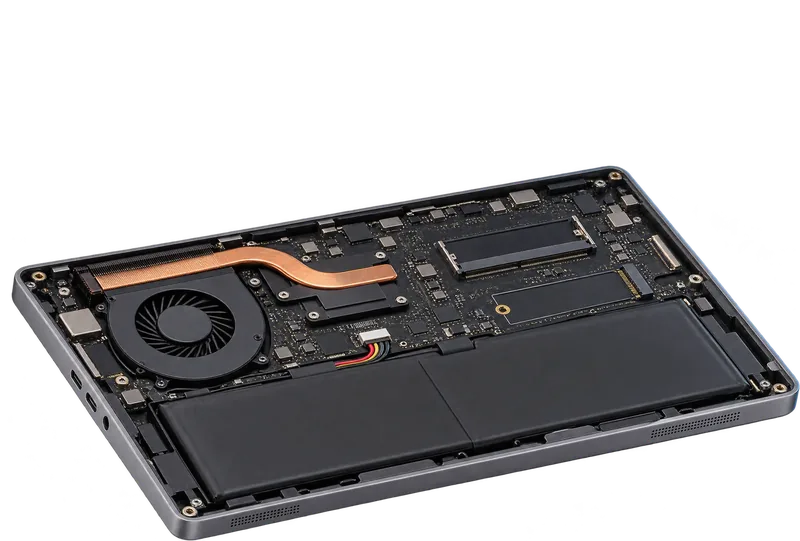
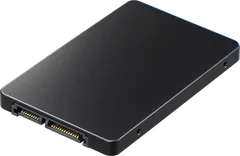
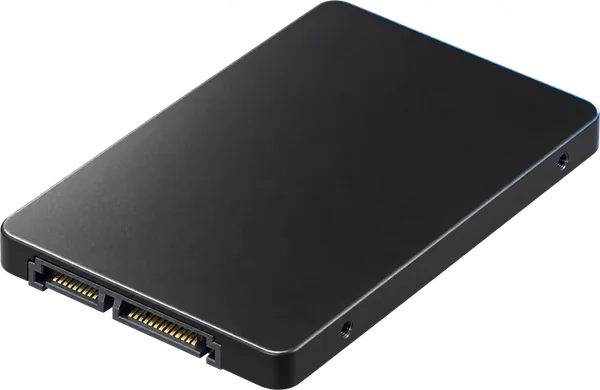
It takes a SATA SSD.
None of the 9 machines in the reports runs an NVMe drive, and they have a SATA controller, so the drive is SATA. Laptops with SATA drives take either a 2.5-inch drive or, in thin models, a small mSATA or M.2 SATA card. Check the drive you have before you order.
- Drive type
- SATA
- NVMe
- Not seen in 9 machines
From 9 PCI device reports. Sources and method. Updated 10 Nov 2026.
 Illustration
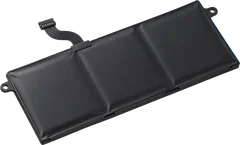
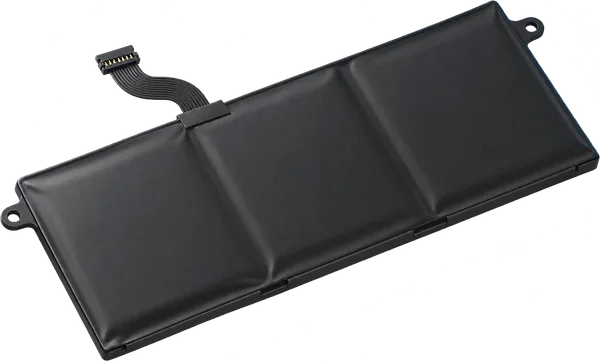
The battery in the one machine reported reports 48 Wh.
That is the design capacity the batteries themselves report, and the label can read 1 to 3 Wh higher. Other pack sizes may have shipped, so check the capacity printed on yours before you order.
- Capacity
- 48 Wh
From 1 battery reading. Sources and method. Updated 10 Nov 2026.
 Illustration
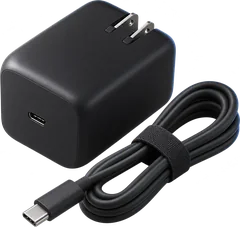
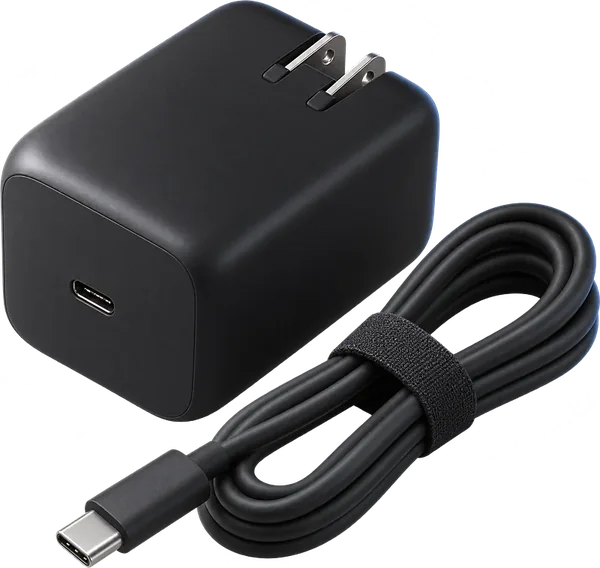
Match the label on your charger.
We don't have this model's charger rating yet. The label on your charger shows it: the output line gives volts and amps, and volts times amps is the watts (19.5 V at 3.33 A is 65 W). Buy one with the same plug, the same voltage and at least as many watts.
- Rated output
- On your charger's label
How to read a charger label. Sources and method. Updated 10 Nov 2026.
 Illustration
Questions
Can I upgrade the RAM in the Fujitsu LIFEBOOK A544?
Yes. At least 2 slots, up to 16 GB seen working. It takes DDR3-1600 laptop-size sticks (SO-DIMM).
What type of RAM does the Fujitsu LIFEBOOK A544 use?
DDR3-1600 laptop-size sticks (SO-DIMM, 204-pin).
How much RAM can the Fujitsu LIFEBOOK A544 take?
Machines in the reports run up to 16 GB. The firmware reports a maximum of 32 GB, a figure that is often wrong.
What SSD does the Fujitsu LIFEBOOK A544 take?
It takes a SATA SSD. None of the 9 machines in the reports runs an NVMe drive, and they have a SATA controller, so the drive is SATA. Laptops with SATA drives take either a 2.5-inch drive or, in thin models, a small mSATA or M.2 SATA card. Check the drive you have before you order.
What battery does the Fujitsu LIFEBOOK A544 use?
The battery in the one machine reported reports 48 Wh. Check the capacity printed on yours before you order.
Is this my laptop?
Check the model name on the label underneath. It should read LIFEBOOK A544.