Dell Inspiron 3531
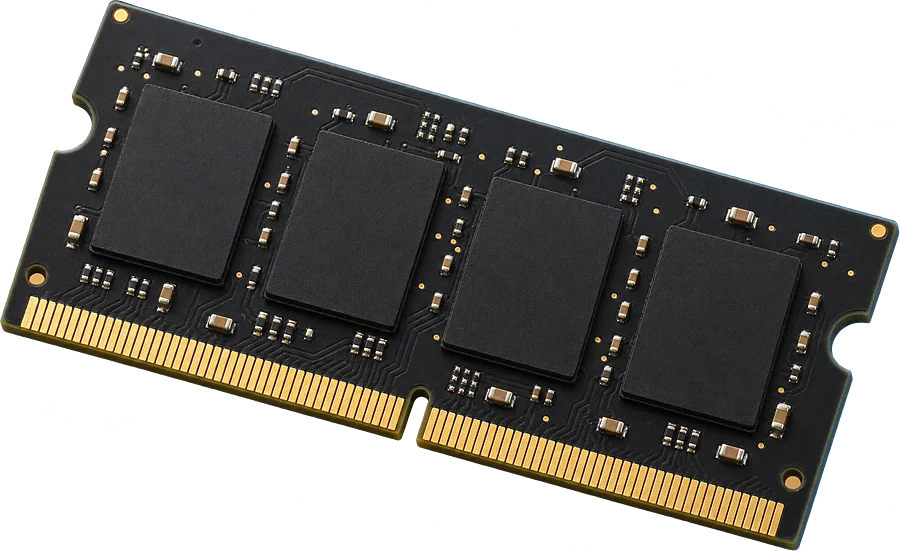
Yes. One slot, up to 4 GB seen working.
It takes DDR3-1333 laptop-size sticks (SO-DIMM).
- Slots
- 1 SO-DIMM slot
- Type
- DDR3-1333 204-pin SO-DIMM
- Most seen working
- 4 GB in two or more machines; one machine runs 8 GB
- Firmware says
- 8 GB maximum (often wrong, so we show what machines run)
- How sure
- 12 of 12 reports show this layout
Worked out from 12 hardware reports of this laptop. Sources and method. Updated 9 Nov 2026.
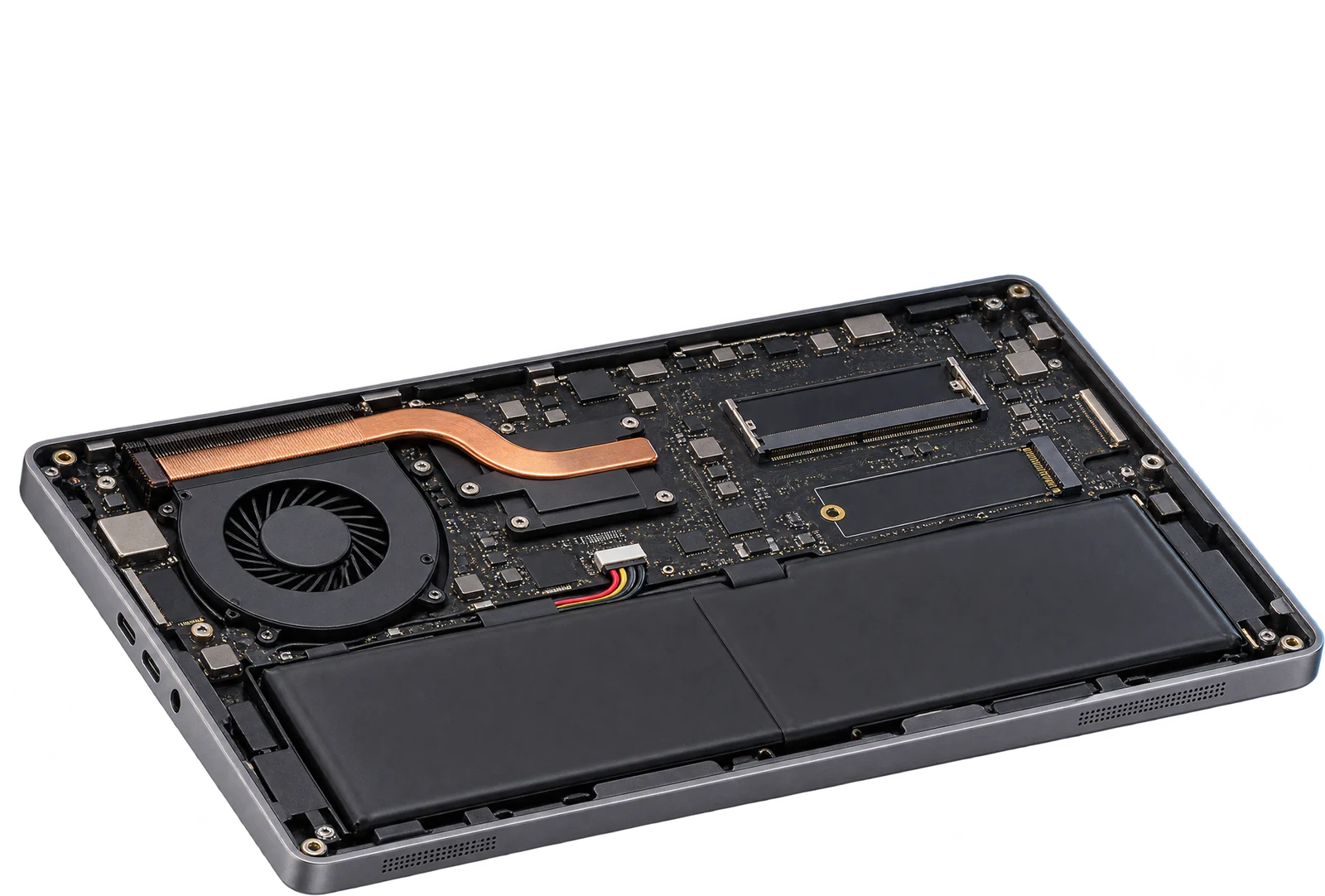
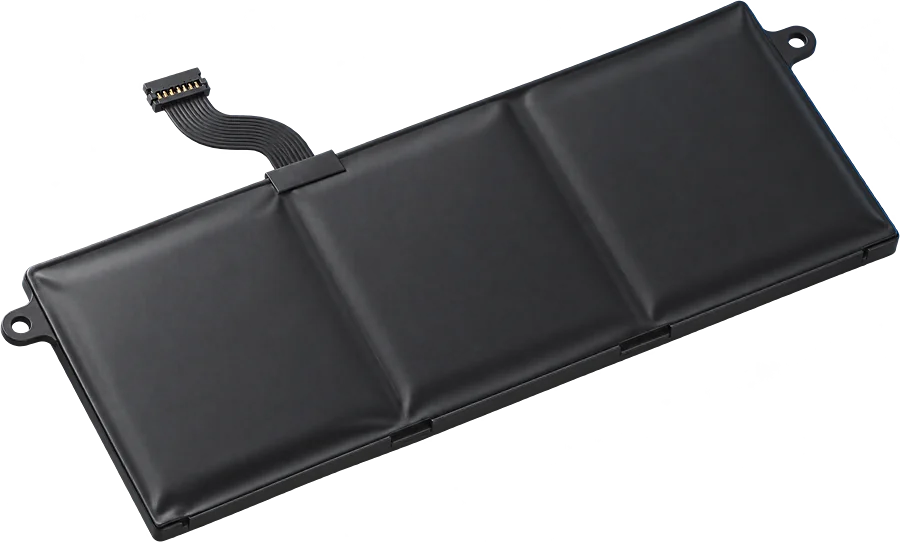
Batteries in these laptops report 28 Wh or 52 Wh.
That is the design capacity the batteries themselves report, and the label can read 1 to 3 Wh higher. Other pack sizes may have shipped, so check the capacity printed on yours before you order.
From 10 battery readings. Sources and method. Updated 9 Nov 2026.
IllustrationQuestions
Can I upgrade the RAM in the Dell Inspiron 3531?
Yes. One slot, up to 4 GB seen working. It takes DDR3-1333 laptop-size sticks (SO-DIMM).
What type of RAM does the Dell Inspiron 3531 use?
DDR3-1333 laptop-size sticks (SO-DIMM, 204-pin).
How much RAM can the Dell Inspiron 3531 take?
Machines in the reports run up to 4 GB, and one runs 8 GB. The firmware reports a maximum of 8 GB, a figure that is often wrong.
What battery does the Dell Inspiron 3531 use?
Batteries in these laptops report 28 Wh or 52 Wh, going by 10 reports. Other pack sizes may have shipped, so check the capacity printed on yours.
Is this my laptop?
Check the model name on the label underneath. It should read Inspiron 3531.