Apple MacBook Air (Retina, 13-inch, 2018)
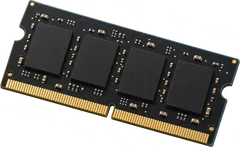
No. The memory is soldered to the board.
8 or 16 GB is built in and there is no slot to add more.
- Free slots
- None
- Type
- LPDDR3-2133
- Soldered
- 8 GB or 16 GB, depending on the configuration
- Firmware says
- 16 GB maximum (often wrong, so we show what machines run)
- How sure
- 9 of 9 reports show this layout
Worked out from 9 hardware reports of this laptop, with Apple's memory specifications for which Macs have sockets. Sources and method. Updated 10 Nov 2026.
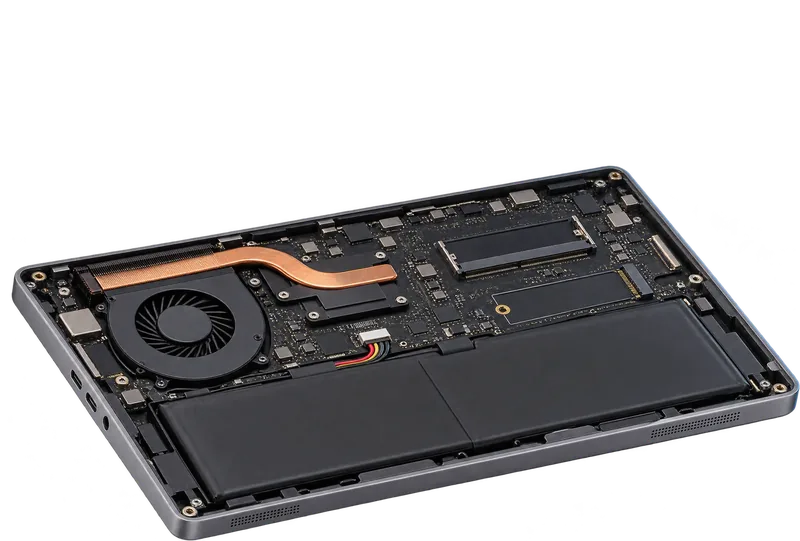
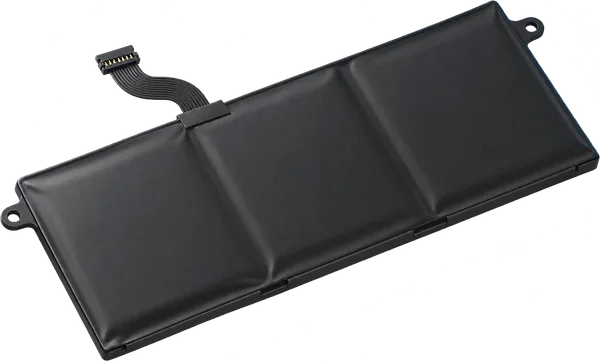
Match the label on your battery.
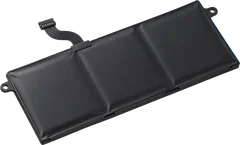
We don't have this model's battery capacity yet. The capacity (Wh) and the part number are printed on the battery itself. A replacement should match that part number.
- Capacity
- On the battery's label
How to read a battery label. Sources and method. Updated 10 Nov 2026.
 Illustration
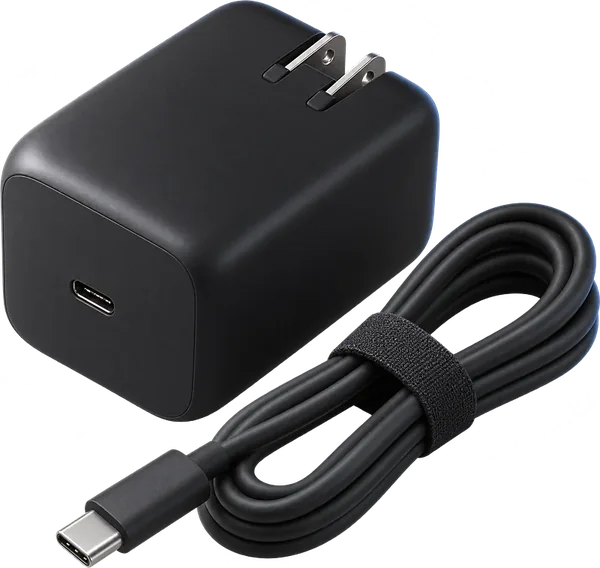
Match the label on your charger.
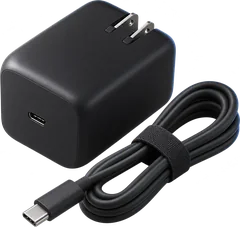
We don't have this model's charger rating yet. The label on your charger shows it: the output line gives volts and amps, and volts times amps is the watts (19.5 V at 3.33 A is 65 W). Buy one with the same plug, the same voltage and at least as many watts.
- Rated output
- On your charger's label
How to read a charger label. Sources and method. Updated 10 Nov 2026.
 Illustration
Questions
Can I upgrade the RAM in the Apple MacBook Air (Retina, 13-inch, 2018)?
No. The memory is soldered to the board. 8 or 16 GB is built in and there is no slot to add more.
What type of RAM does the Apple MacBook Air (Retina, 13-inch, 2018) use?
LPDDR3-2133 memory soldered to the board.
Is this my laptop?
On the Mac, choose Apple menu > About This Mac > System Report. The Model Identifier should read MacBookAir8,1.
More in the Apple MacBook Air
- MacBook Air (13-inch, Early 2015 and 2017) (MacBookAir7,2)
- MacBook Air (13-inch, Mid 2013 and Early 2014) (MacBookAir6,2)
- MacBook Air (11-inch, Early 2015) (MacBookAir7,1)
- MacBook Air (11-inch, Mid 2013 and Early 2014) (MacBookAir6,1)
- MacBook Air (13-inch, Mid 2012) (MacBookAir5,2)
- MacBook Air (13-inch, Mid 2011) (MacBookAir4,2)
- MacBook Air (11-inch, Mid 2012) (MacBookAir5,1)
- MacBook Air (11-inch, Mid 2011) (MacBookAir4,1)
- MacBook Air (11-inch, Late 2010) (MacBookAir3,1)
- MacBook Air (Retina, 13-inch, 2020) (MacBookAir9,1)
- MacBook Air (13-inch, Late 2010) (MacBookAir3,2)
- MacBook Air (Late 2008 and Mid 2009) (MacBookAir2,1)