Lenovo C245 10114
Only one machine has reported its memory so far, so this answer rests on a single example. Check the label or open the panel before you buy.
Yes. 2 slots, up to 4 GB seen working.
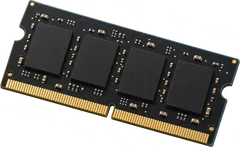
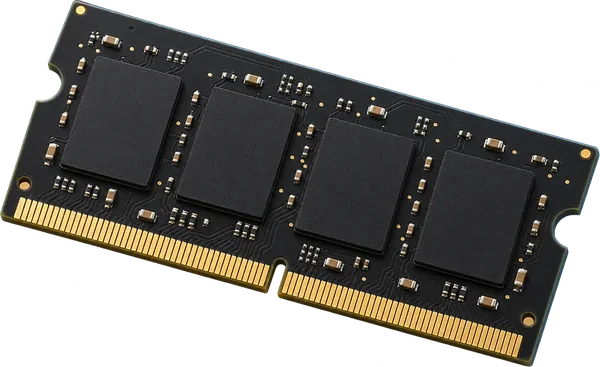
It takes DDR3-1066 laptop-size sticks (SO-DIMM).
- Slots
- 2 SO-DIMM slots
- Type
- DDR3-1066 204-pin SO-DIMM
- Most seen working
- 4 GB in the one machine reported
- Firmware says
- 4 GB maximum
- How sure
- 1 of 1 report show this layout
Worked out from 1 hardware report of this desktop. Sources and method. Updated 10 Nov 2026.
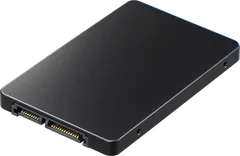
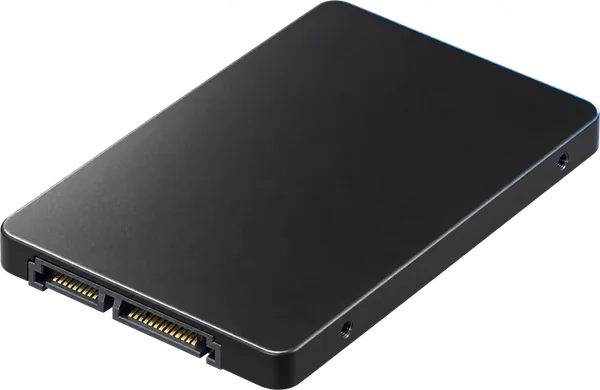
It takes a 2.5-inch SATA SSD.
The machines in the reports have a SATA controller. A 2.5-inch SATA SSD fits a 2.5-inch bay, or a 3.5-inch bay with an adapter bracket.
- Drive type
- SATA
From 5 PCI device reports. Sources and method. Updated 10 Nov 2026.
 Illustration
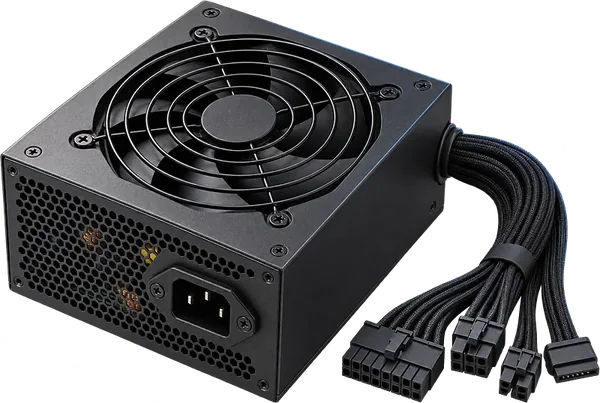
Check the power rating on its label.
We don't have this model's power rating. Some all-in-ones run from an external adapter and others have the supply built in; the rating is on the adapter or on the label at the back.
- Rating
- On the supply's label
How to read a power supply label. Sources and method. Updated 10 Nov 2026.
 Illustration
Questions
Can I upgrade the RAM in the Lenovo C245 10114?
Yes. 2 slots, up to 4 GB seen working. It takes DDR3-1066 laptop-size sticks (SO-DIMM).
What type of RAM does the Lenovo C245 10114 use?
DDR3-1066 laptop-size sticks (SO-DIMM, 204-pin).
How much RAM can the Lenovo C245 10114 take?
Machines in the reports run up to 4 GB. That matches the 4 GB maximum the firmware reports.
What SSD does the Lenovo C245 10114 take?
It takes a 2.5-inch SATA SSD. The machines in the reports have a SATA controller. A 2.5-inch SATA SSD fits a 2.5-inch bay, or a 3.5-inch bay with an adapter bracket.
Is this my desktop?
Check the model name on the front or the label of the case. It should read C245 10114.