Apple Mac Pro (Early 2009)
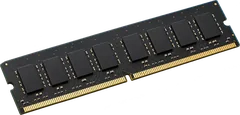
2 of 4 machines sold under this name show 8 slots instead of 4. That is usually the smaller case. Count the slots inside yours before you buy.
It depends on the configuration.
The reports show more than one memory layout for this desktop. Check the label or the system information before you buy.
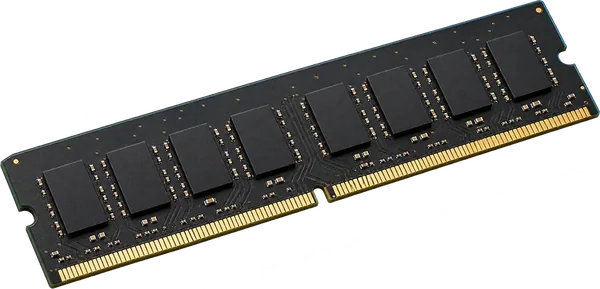
- Slots
- 4 DIMM slots
- Type
- DDR3-1066 240-pin DIMM
- Most seen working
- 48 GB; one machine runs 48 GB
- Firmware says
- 64 GB maximum
- How sure
- 2 of 4 reports show this layout
Worked out from 4 hardware reports of this desktop, with Apple's memory specifications for which Macs have sockets. Sources and method. Updated 10 Nov 2026.
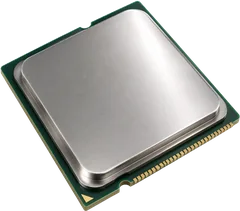
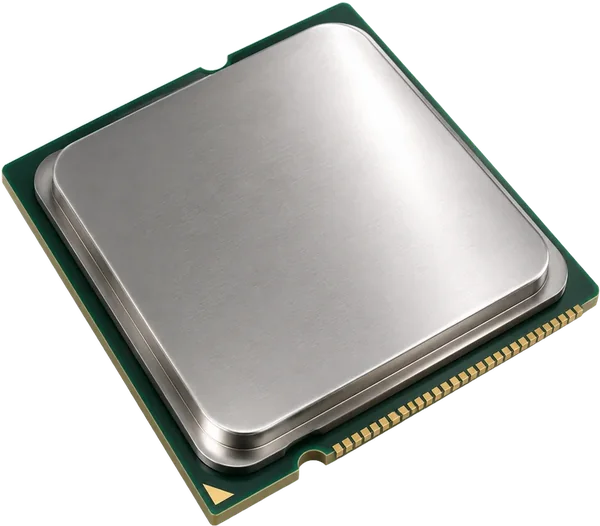
Processors seen in these desktops.
Processors in the reports: Xeon W3520 (2), Xeon E5520 (2). Prebuilt desktops often only take processors from the generation they shipped with, so stay with the ones listed.
- Seen working
- Xeon W3520, Xeon E5520
- How sure
- From 4 reports
From the processor records in 4 hardware reports. Sources and method. Updated 10 Nov 2026.
 Illustration
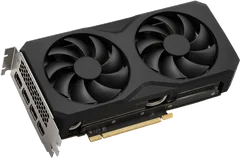
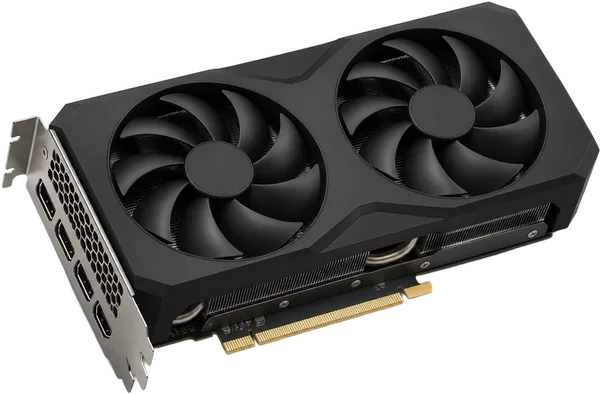
It has at least 2 full-length (x16) slots for a graphics card.
Cards in the reports: GeForce 9500 GT (11), Radeon HD 4870 (3), Radeon HD 7950/8950 OEM / R9 280 (2), Radeon HD 5770 (2), Radeon HD 6870 (1), GeForce 315 (1).
- x16 slots
- At least 2, listed by the firmware
- Seen working
- GeForce 9500 GT, Radeon HD 4870, Radeon HD 7950/8950 OEM / R9 280
From 17 PCI device reports and the firmware's slot table. Sources and method. Updated 10 Nov 2026.
 Illustration
Questions
Can I upgrade the RAM in the Apple Mac Pro (Early 2009)?
It depends on the configuration: the reports show more than one memory layout for this desktop.
What type of RAM does the Apple Mac Pro (Early 2009) use?
DDR3-1066 full-size sticks (DIMM, 240-pin).
What processor can I put in the Apple Mac Pro (Early 2009)?
Processors seen in these desktops. Processors in the reports: Xeon W3520 (2), Xeon E5520 (2). Prebuilt desktops often only take processors from the generation they shipped with, so stay with the ones listed.
Can I add a graphics card to the Apple Mac Pro (Early 2009)?
It has at least 2 full-length (x16) slots for a graphics card. Cards in the reports: GeForce 9500 GT (11), Radeon HD 4870 (3), Radeon HD 7950/8950 OEM / R9 280 (2), Radeon HD 5770 (2), Radeon HD 6870 (1), GeForce 315 (1).
Is this my desktop?
On the Mac, choose Apple menu > About This Mac > System Report. The Model Identifier should read MacPro4,1.