Alienware Aurora R15 AMD
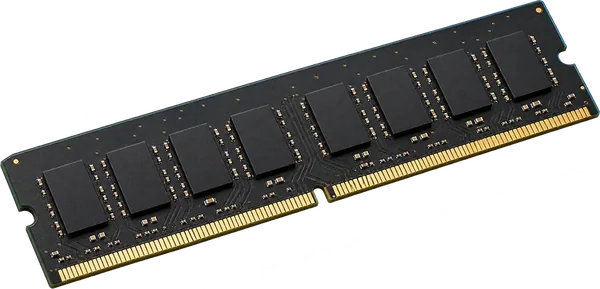
Only one machine has reported its memory so far, so this answer rests on a single example. Check the label or open the panel before you buy.
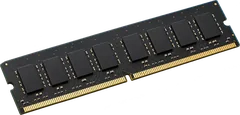
Yes. 4 slots, up to 128 GB seen working.
It takes DDR5-7200 full-size sticks (DIMM).
- Slots
- 4 DIMM slots
- Type
- DDR5-7200 288-pin DIMM
- Most seen working
- 128 GB in the one machine reported
- Firmware says
- 128 GB maximum
- How sure
- 1 of 1 report show this layout
Worked out from 1 hardware report of this desktop. Sources and method. Updated 10 Nov 2026.
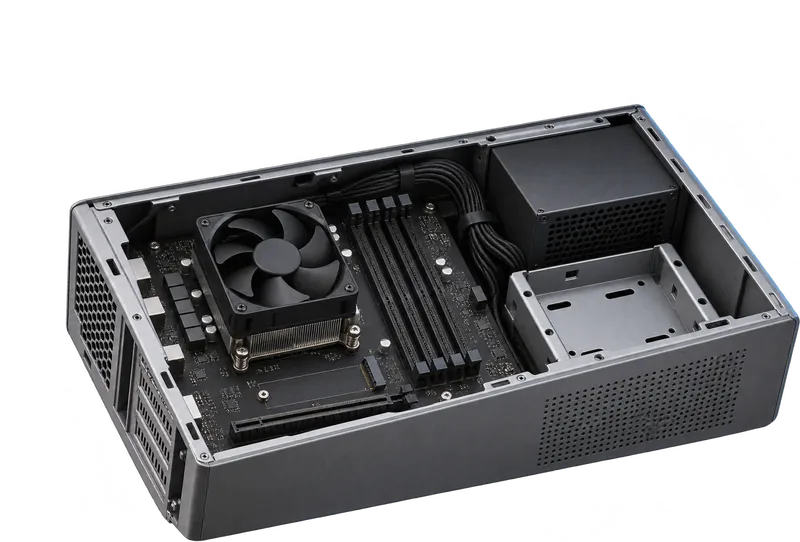
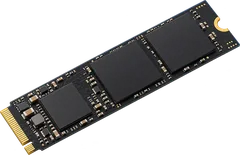
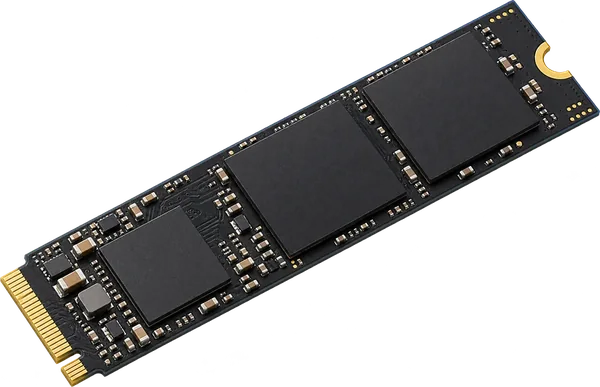
Yes. It takes an NVMe M.2 SSD.
The slot runs at PCIe 5.0 x4, up to about 15.8 GB/s. M.2 drives come in 2230, 2242 and 2280 lengths (30, 42 and 80 mm). Check the length printed on your current drive before you order.
- Drive type
- NVMe (PCIe)
- Slot speed
- PCIe 5.0 x4, from 1 machine
- M.2 slots
- At least 1
- Length
- Check your current drive
- SATA ports
- 3 listed by the firmware
- How sure
- NVMe drive in 1 of 1 machines
From 1 PCI device report and the firmware's slot table. Sources and method. Updated 10 Nov 2026.
 Illustration
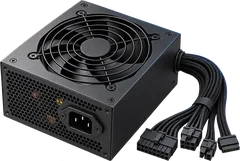
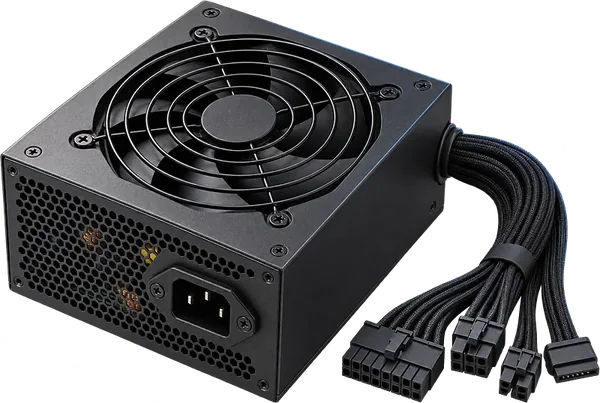
Check the label on the power supply.
We don't have this model's power supply rating. It is printed on the supply's sticker, inside the case next to its fan. Prebuilt desktops often use a supply shaped for their case, so match the shape and the plugs as well as the watts.
- Rating
- On the supply's label
How to read a power supply label. Sources and method. Updated 10 Nov 2026.
 Illustration
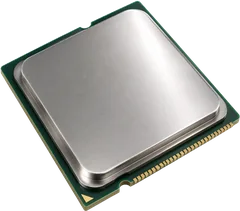
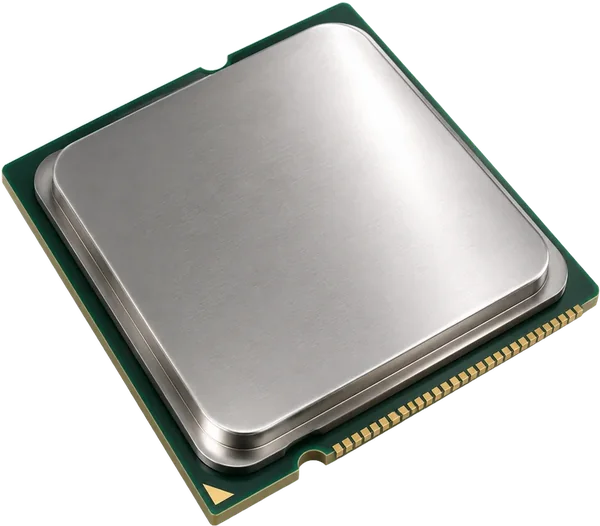
Processors seen in these desktops.
Processors in the reports: Ryzen 9 7950X (1). Prebuilt desktops often only take processors from the generation they shipped with, so stay with the ones listed.
- Seen working
- Ryzen 9 7950X
- How sure
- From 1 report
From the processor records in 1 hardware report. Sources and method. Updated 10 Nov 2026.
 Illustration
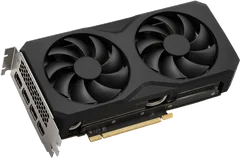
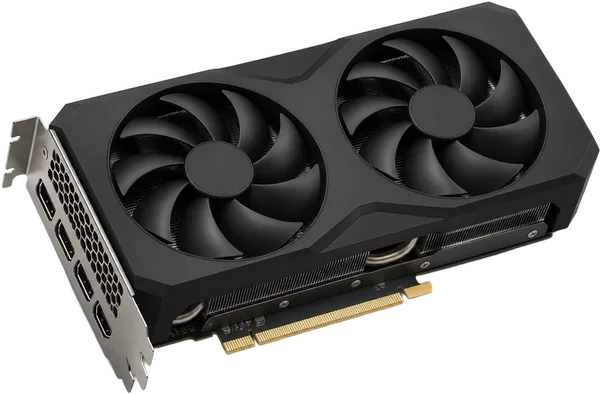
It has a full-length (x16) slot for a graphics card.
Cards in the reports: Device (1).
- x16 slots
- At least 1, listed by the firmware
- Seen working
- Device
From 1 PCI device reports and the firmware's slot table. Sources and method. Updated 10 Nov 2026.
 Illustration
Questions
Can I upgrade the RAM in the Alienware Aurora R15 AMD?
Yes. 4 slots, up to 128 GB seen working. It takes DDR5-7200 full-size sticks (DIMM).
What type of RAM does the Alienware Aurora R15 AMD use?
DDR5-7200 full-size sticks (DIMM, 288-pin).
How much RAM can the Alienware Aurora R15 AMD take?
Machines in the reports run up to 128 GB. That matches the 128 GB maximum the firmware reports.
What SSD does the Alienware Aurora R15 AMD take?
Yes. It takes an NVMe M.2 SSD. The slot runs at PCIe 5.0 x4, up to about 15.8 GB/s. M.2 drives come in 2230, 2242 and 2280 lengths (30, 42 and 80 mm). Check the length printed on your current drive before you order.
What processor can I put in the Alienware Aurora R15 AMD?
Processors seen in these desktops. Processors in the reports: Ryzen 9 7950X (1). Prebuilt desktops often only take processors from the generation they shipped with, so stay with the ones listed.
Can I add a graphics card to the Alienware Aurora R15 AMD?
It has a full-length (x16) slot for a graphics card. Cards in the reports: Device (1).
Is this my desktop?
Check the model name on the front or the label of the case. It should read Aurora R15 AMD.